



|
Version 11.5 April 4 2026 7.3 MB Installer |
|
|

Monitor RavenDB and keep it running 24/7, even if it crashes or stops for any reason.RavenDB is an advanced, transactional document database. It can be installed as a standalone Windows Service: 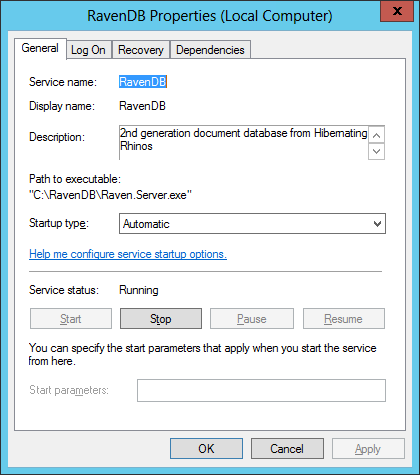
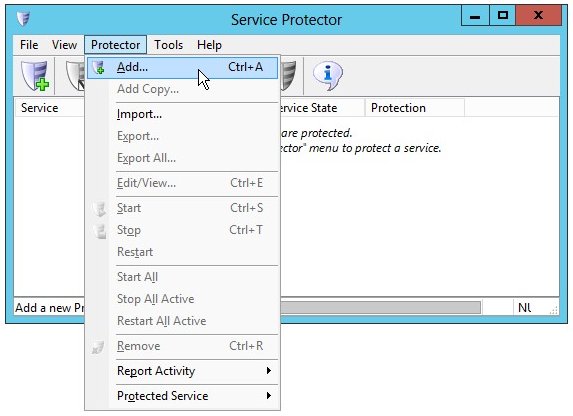
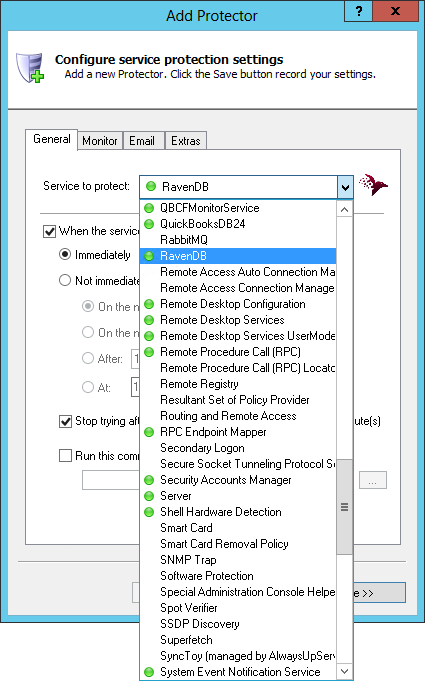
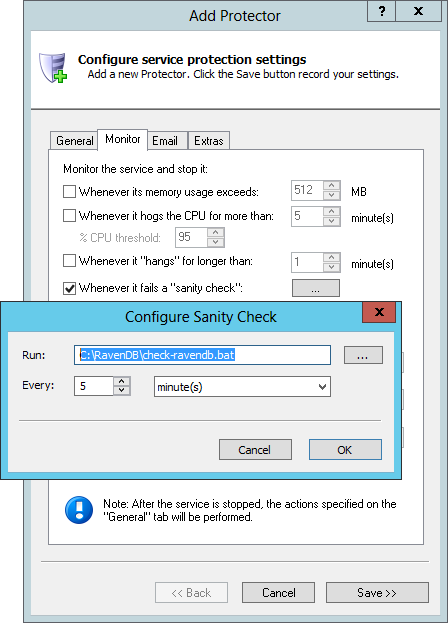
To monitor the RavenDB Windows Service with Service Protector:
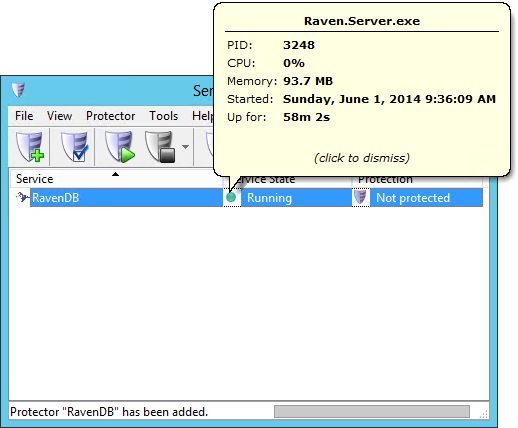
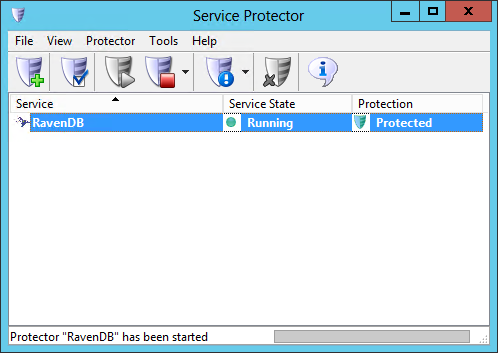
We're now done configuring the essentials for RavenDB so click the Save button to record your settings. A new entry called RavenDB will show up in the Service Protector window. RavenDB is probably already running but it is not yet being protected by Service Protector (hence the red shield). At this point, you can click on the green circle to see a few details on the RavenDB Windows Service and its underlying process:
To start protecting RavenDB, choose Protector > Start "RavenDB". The shield icon (which is clickable as well) will go to green to indicate that RavenDB is being actively monitored by Service Protector.
That's it! Next time your computer boots, RavenDB will start as normal and Service Protector will begin monitoring the service to quickly restart it if it fails or stops for any reason. We encourage you to edit RavenDB in Service Protector and check out the many other settings that may be appropriate for your situation. For example, send an email when the service fails, restart RavenDB during the early morning to diminish the effect of memory leaks, etc.
Trouble protecting the RavenDB Windows Service?
|
Download & Try it Free!
Our 14,000+ customers include...


Step-by-step guides for 70+ Services
and many more! | ||||||

